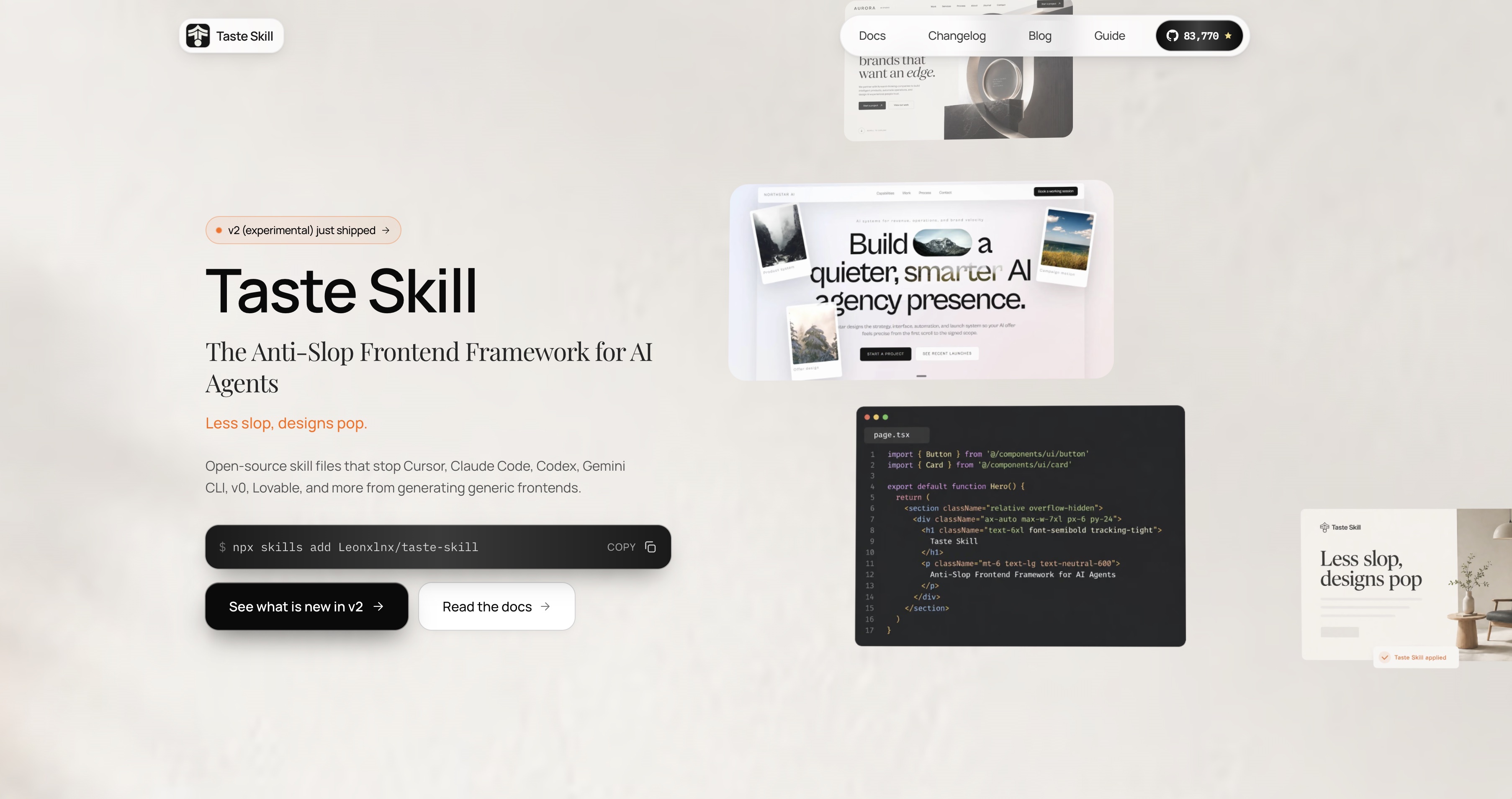
tasteskill
Introduction
Anti-slop Agent Skills for AI-built frontends. Upgrades layout, typography, motion and spacing instead of generic boilerplate. Includes 10+ specialized skills with adjustable dials (VARIANCE / MOTION / DENSITY). Works with React, Vue and Svelte, and is compatible with Codex, Cursor and Claude Code. Install via npx skills add, or paste SKILL.md directly. Free to use.
Install
npx skills add Leonxlnx/taste-skillOne install works with any agent that supports SKILL.md files — Claude Code, Cursor, Codex, Gemini CLI, OpenCode, v0, Lovable, AI Studio and more.
To install the default skill explicitly:
npx skills add https://github.com/Leonxlnx/taste-skill --skill "design-taste-frontend"Pinned to v1? Use --skill design-taste-frontend-v1.
Usage
No slash commands needed. When you ask the agent to build or redesign a frontend, the skill reads the brief (industry, audience, mood, motion depth, layout family), infers the right design direction, and applies a strict ruleset: real design systems when applicable, audit-first on redesigns, and a hard pre-flight check before shipping.
Variant skills ship in the same repo — gpt-tasteskill (GPT/Codex), redesign-skill, soft-skill, minimalist-skill, brutalist-skill, image-to-code-skill and more. Install only what you need.
安装(中文)
运行 npx skills add Leonxlnx/taste-skill 即可,支持所有兼容 SKILL.md 的 Agent。无需斜杠命令:当你让 Agent 构建或重设计前端时,技能会自动读取需求、推断设计方向并应用严格规则。同一仓库还有 gpt-tasteskill、redesign-skill、minimalist-skill 等变体,建议按需安装。
FAQ
- Which frameworks does tasteskill work with?
- React, Vue and Svelte. It is compatible with Codex, Cursor and Claude Code.
- How do I install tasteskill?
- Install it via npx skills add, or paste SKILL.md directly.
- What are the VARIANCE / MOTION / DENSITY dials?
- They are adjustable dials included with the 10+ specialized skills, used to tune the generated frontend output.
Ratings and comments
Public feedback from people who used it.
No public comments yet.